Make an informed choice
EmDash vs Sanity: Content Modelling, Editing and Astro Websites
Compare content models, Portable Text, editorial customization and operating responsibilities before choosing an Astro CMS or hosted backend.
By DashHarbor · Published · Updated
EmDash and Sanity are both interesting to teams that want structured content without giving up a developer-controlled website. They can both support an Astro project. The decision is therefore less about whether they work with modern frontend tooling and more about where you want the content platform, editing interface and operating responsibilities to sit.
EmDash puts the CMS inside the Astro application. Sanity combines its hosted Content Lake with developer-configured editing tools, including Sanity Studio, while your public website consumes the content separately. That separation is useful when content serves several products; it can also mean more integration decisions for a single website.
This comparison focuses on editorial and development work rather than synthetic performance scores. Official documentation and pricing were reviewed on 26 October 2026. Product availability depends on the installed configuration or purchased plan; no paid Sanity account was tested for this guide.
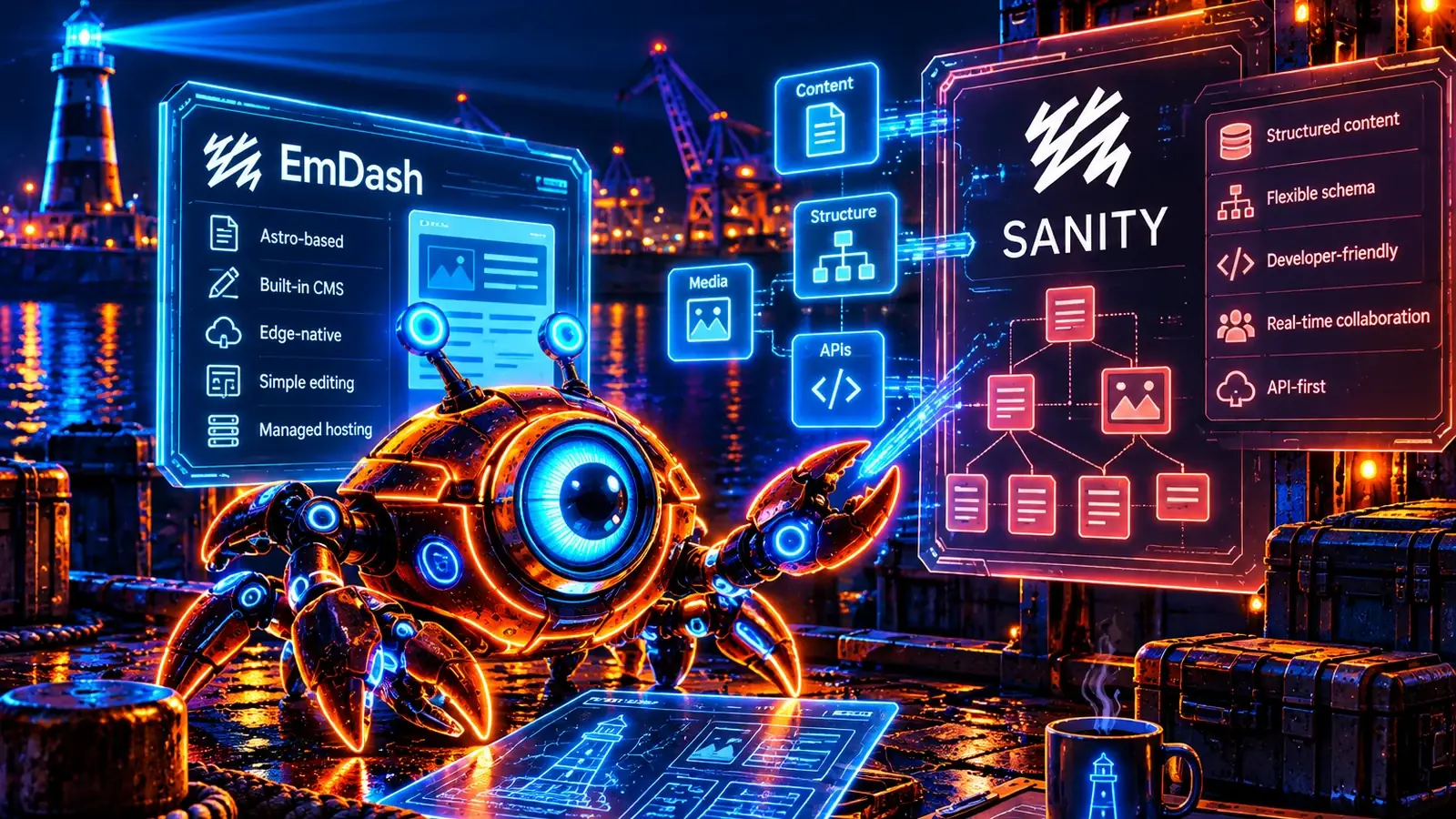
The short version
Consider Sanity when you want a flexible content backend, a highly tailored editorial workbench and content reused across several applications. It is especially relevant when a developer will actively maintain the content model and preview experience.
Consider EmDash when the Astro website is the main application and you prefer its CMS and website to share a deployment. This may make the system easier for a small team to own, provided the application's editing and integration features fit the project.
A complex Sanity implementation is not automatically overengineered. It may encode useful editorial knowledge that would be expensive to replace. Equally, a simple website does not necessarily benefit from treating its content as a separate organizational platform.
EmDash vs Sanity at a glance
Requirement | EmDash | Sanity |
|---|---|---|
Overall model | CMS integrated into an Astro application | Hosted content backend with configurable editing applications |
Core content storage | The site's supported SQL database | Documents and assets in Content Lake |
Editor | Admin supplied by the EmDash application | Sanity Studio, customisable through its React-based framework |
Website technology | Astro is the application framework | The frontend is chosen separately; Astro is supported |
Queries | EmDash application queries and APIs | GROQ and documented Content Lake APIs, including GraphQL options |
Visual editing | Depends on the installed theme and supported preview integration | Presentation and visual-editing tooling require frontend setup |
Rich text | Portable Text content in the site's model | Portable Text with project-specific types and renderers |
Operating boundary | Application, database and media need an operator | Sanity operates Content Lake; frontend and Studio customisations still need ownership |
Cost questions | Hosting, maintenance and development | Seats, usage, datasets, capabilities and frontend work |
Architecture and content ownership
Sanity's Content Lake documentation describes content stored as structured documents, accessible to applications through APIs. A product catalogue, article collection or author directory can support more than one frontend. The data is not inherently limited to a particular website layout.
Sanity Studio is the editing workbench. Developers define content models and can customize the interface using its React-based framework. This offers considerable flexibility, but the editor your team receives is partly the result of your implementation work.
EmDash's documentation describes a different boundary: the admin and published pages belong to the Astro application. The website and its content runtime are operated together rather than connected as separate services.
For a team with several frontends, Sanity's separation can help establish a common content source. For a small organization maintaining one website, an integrated CMS may require fewer decisions about tokens, query clients and preview connections. Neither arrangement removes the need to understand how content moves from a draft to the page a visitor sees.
Content models: flexibility needs editorial restraint
Sanity's customization is valuable when the editor should reflect specialized work. A publication might need different contributor roles, a product team might need reusable attributes, and a marketing team might need a controlled set of page sections.
EmDash collections and fields can also organize repeatable information. The right model should make common work obvious rather than expose every technical possibility to an editor. A field called “Primary action URL” is only helpful if the editor understands where it appears and which links are allowed.
Start with real examples. Model a case study with a client, a problem, a result, images and a related service. Ask whether those values should be separate fields, reusable references or ordinary prose. Then explain the model to the person who will maintain it next month.
Sanity may be preferable when custom editorial interactions are a major part of the project. EmDash may be preferable when standard content structures and a prepared Astro theme already cover most needs. In both cases, extra flexibility has a cost when someone must document and maintain the choices.
Portable Text does not make migration automatic
Both products can use Portable Text for rich content. That shared format is useful, but it does not mean all stored content is interchangeable. Projects can define different blocks, annotations, references and asset representations.
An image block may point to an asset managed by a particular backend. A product callout may depend on a custom renderer. A link to another entry may use an identifier that has no meaning in the destination system. Copying the JSON without those relationships can produce a page that looks complete in the editor but fails publicly.
Treat rich-text portability as a starting advantage, not a migration guarantee. Inventory the actual block types and test representative entries. Preserve intentional formatting, internal links, captions and alternative text rather than flattening everything to plain paragraphs.
Queries and the developer's daily work
Sanity's GROQ introduction explains filtering, reference traversal and shaping the returned result. This can be powerful when a frontend needs a precise content graph. It also means query design becomes part of the application your team maintains.
EmDash developers work with the content available inside their Astro application and its supported APIs. That can be straightforward when the page model and content model evolve together. The EmDash and Astro guide explains the relationship between templates and CMS-owned information.
During evaluation, ask a developer to retrieve a case study, its author and three related services. Then change a field and find all affected templates. The useful measure is how safely the team can understand and modify that relationship—not which query syntax looks shorter in a presentation.
Editing, collaboration and preview
Sanity describes Studio as a real-time collaborative workbench. Its visual editing documentation covers tools for connecting content to a rendered preview, including the Presentation Tool. These capabilities require compatible frontend integration.
EmDash provides its own draft and publishing experience. Its preview documentation should be read alongside the actual theme implementation. A CMS preview button is useful only when the destination page can resolve the intended unpublished content safely.
Test a realistic sequence before choosing either product: draft a new page, reference an unpublished related entry, replace an image, preview the result and publish it. Then ask another editor to make a conflicting change. This guide recommends that exercise; it does not claim that we ran it in a Sanity workspace.
For teams needing comments, scheduled work, releases or detailed approval controls, verify the current plan and configured workflow. Avoid assuming that every feature shown somewhere in a vendor's documentation is available to every account.
Hosting and operational responsibility
Sanity operates Content Lake. Your public application still needs deployment, runtime or build hosting, monitoring and a plan for unavailable dependencies. Studio customisations and frontend packages also need maintenance, even when the content backend is hosted for you.
EmDash's operator manages the application and its database and media arrangements. A supported Cloudflare deployment and a Node.js deployment have different operating details. The relevant question is which environment your team or provider actually supports.
Draw the publishing path for the proposed website. Does a change appear immediately, invalidate a cache or trigger a build? Where can a stale page persist? What happens if the frontend release works but its query expects a field editors have not populated?
A managed EmDash hosting service can take on defined operational work. It does not automatically reproduce Sanity's content platform, custom Studio interface or every collaboration feature.
Pricing: model seats and usage alongside development
Sanity's current pricing separates plans and capabilities. Review editor seats, permission requirements, datasets, document and asset usage, request volume and any additional products your project needs. Check the exact billing basis instead of assuming that a free development project predicts production cost.
For EmDash, calculate the application, database and media costs together with maintenance, backups and support. A low infrastructure bill can coexist with substantial developer time. Conversely, paying for a managed content backend may be economical if it removes work your team would otherwise have to perform.
Estimate the next year, not just launch day. Include content-model changes, new landing-page sections, editor support and integration updates. If your team depends on a particular agency's Studio customisations, account for the cost of understanding them when that relationship changes.
Neither product is universally cheaper. An honest comparison uses the same workload, editorial requirements and service expectations on both sides.
Security and publishing permissions
Sanity documents roles and permissions for controlling access. Dataset visibility, token scope and preview configuration matter alongside the permissions editors see in Studio. A frontend should not expose credentials intended for privileged writes.
With EmDash, the operator must secure the installed application, admin access, storage and deployment credentials. Upstream authentication features help define what is possible; the actual configuration determines what protects a particular site.
For either option, distinguish an editor who can change a draft from an administrator who can change the model or grant access. Review integrations when staff or suppliers leave. A hosted service reduces some operating responsibilities but does not decide whether your organization has granted excessive access.
AI and extensibility
Sanity provides AI Assist and other evolving content tools. Verify the relevant product, plan and configuration before relying on them. AI features should be evaluated around specific editorial tasks, such as adapting approved copy or generating useful alternative text.
EmDash's AI tooling documentation describes authenticated operations that connected tools can use. This is a capability of the software, not a promise that DashHarbor includes every upstream AI connection or an autonomous publishing service.
For developers, both ecosystems allow custom work. The useful questions are how extensions are maintained, which privileges they receive and what happens when packages change. Letting an assistant modify a content model still requires a review of the resulting model and its effect on published pages.
Migrating without losing the meaning of your content
Sanity documents bulk data import, and its tooling can support structured data movement. Migration between different CMS products still requires an explicit mapping of documents, references, rich text and media.
Before committing, choose a representative group of entries: one simple article, one complex page, one translated item if relevant and one entry with several references. Recreate them in the destination and compare the public result, not only the number of imported records.
Keep URLs, canonical tags, titles and redirects in the acceptance checklist. Include content that is intentionally unpublished. An import that accidentally exposes drafts is a failure even if every published article looks correct.
If your current Sanity model is heavily customised, rebuilding the editorial experience may cost more than moving the data. That is a legitimate reason to keep a system that already works.
Choose EmDash if the website and CMS belong together
EmDash is worth evaluating when Astro is already the chosen framework, the website is the principal content destination and a prepared editing workflow fits the team. A shared application can give a small team a clearer operating boundary.
Confirm the actual theme, roles and provider responsibilities first. Choosing EmDash should simplify a real workflow, rather than replace useful tooling simply because a different architecture looks tidier.
Choose Sanity if content is a shared product
Sanity is compelling when several applications need the same structured content, the editorial workbench needs substantial customization or collaborative content operations justify a dedicated backend. Its developer-focused modeling and query tools may be central to the project's value.
If the team already depends on those capabilities, keeping Sanity can be the more practical choice. Moving to a different CMS should have a measurable purpose beyond changing the technology name.
Frequently asked questions
Can I use Sanity with Astro?
Yes. Sanity provides an Astro integration guide. Choosing Astro does not require choosing EmDash; the decision is about the CMS architecture and workflow you prefer.
Does shared Portable Text mean I can copy content unchanged?
Not reliably. Custom blocks, asset references, annotations and document links may differ. Test the destination renderers and preserve references and media when mapping the content.
Is Sanity only suitable for large organizations?
No. A small project can use it successfully. The question is whether its content backend and editing flexibility solve needs that justify the implementation and operating choices.
Does a hosted content backend remove frontend maintenance?
No. Your frontend, preview integration, dependencies and custom editorial code still need ownership. The platform boundary changes the work rather than eliminating it.
Next comparisons and hosting choices
Explore EmDash vs Contentful for another hosted content platform, or EmDash vs Strapi for an API backend you can operate yourself. WordPress, Ghost and Webflow offer other approaches to website publishing and design.
If an integrated Astro website fits your requirements, see EmDash hosting options, managed hosting and current DashHarbor plans. Choose the workflow first, then the service that can support it.
Sources and review scope
Official sources reviewed 26 October 2026: Sanity Content Lake, Studio, GROQ, Visual Editing, roles, AI Assist, data import, Astro integration and pricing; EmDash documentation, preview and AI tools. These are linked beside the relevant claims. Suitability judgments and suggested evaluation tasks are editorial analysis, not a product benchmark or a completed competitor-account test.
Keep exploring
Find the right fit for your website.

CMS comparison
EmDash vs Contentful: An Astro Website or a Shared Content Platform?
A practical comparison of an integrated Astro CMS and a shared content platform, covering editorial work, operating costs and migration.
Read the comparison
CMS comparison
EmDash vs Ghost: An Editable Website or a Publishing Business?
A balanced comparison of structured Astro websites and publication-focused workflows, including newsletters, memberships and operating costs.
Read the comparison
CMS comparison
EmDash vs Strapi: Website CMS or a Separate API Backend?
Explore when a separate content API is worth operating and when an integrated Astro website offers a more direct publishing workflow.
Read the comparisonYOUR NEXT CHAPTER
Your EmDash website, looked after.
Create a free DashHarbor website. Choose a design, start editing and see how EmDash fits your work. No credit card required.