THE SERVICE, EXPLAINED
What's included in
managed EmDash hosting?
Managed EmDash hosting means you get an editable website without assembling the hosting stack yourself. DashHarbor provisions your site, connects its database and media storage, provides HTTPS and looks after the supported environment. You handle the content and publishing decisions.
WHO DOES WHAT?
Three parts. Clear responsibilities.
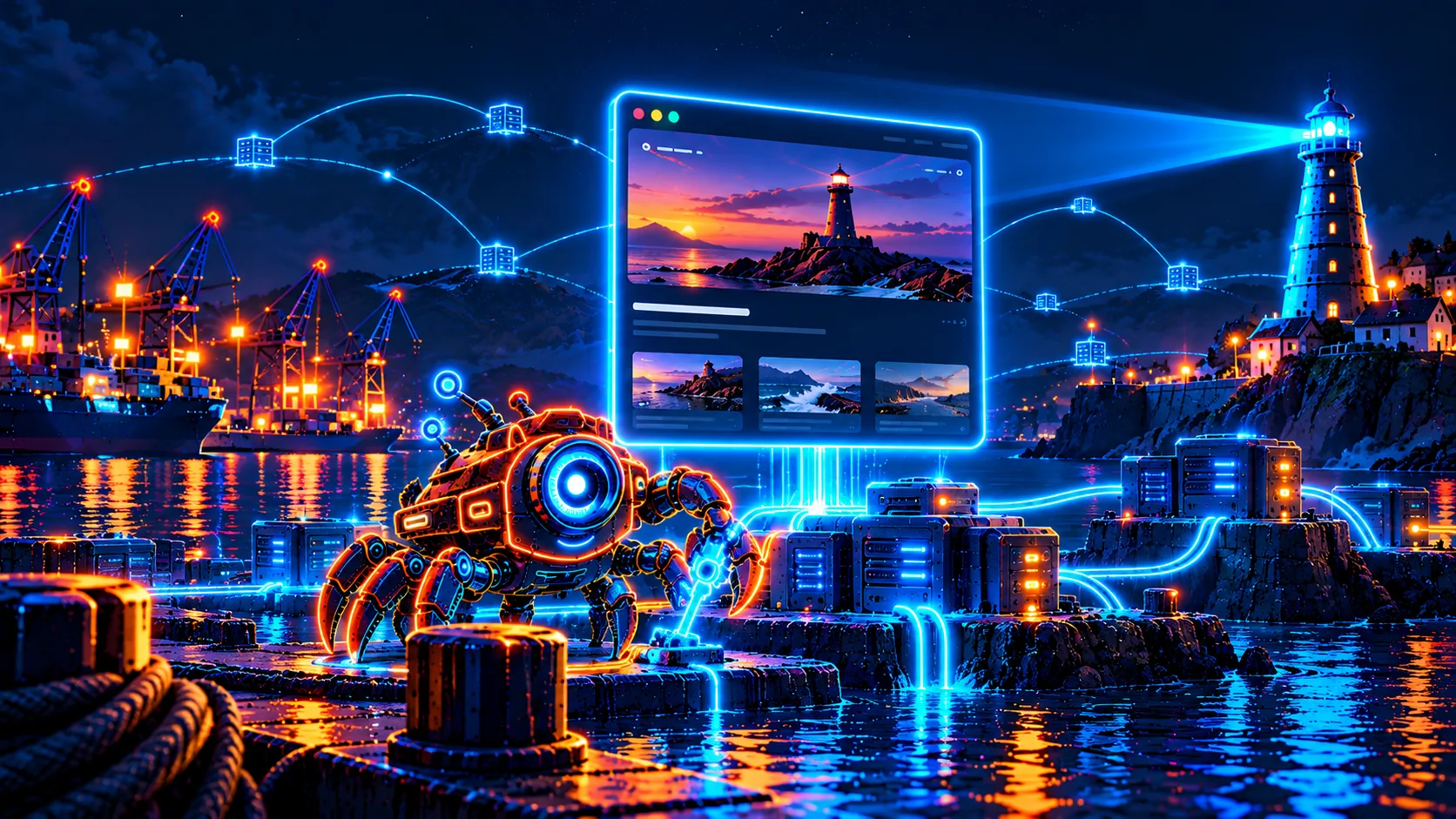
EmDash, Cloudflare and DashHarbor do different jobs. You do not need to operate all three.
Your content management system
EmDash provides the native editor, content collections, drafts and publishing tools. It is where you work on pages, posts and media.
The infrastructure underneath
Cloudflare Workers runs the website application, D1 stores CMS records and R2 stores uploaded media. Our Cloudflare hosting guide explains the stack.
The managed service around it
DashHarbor sets up and deploys the supported website, connects its resources, provides HTTPS and protects access to the editor. You do not maintain that hosting pipeline.
FROM ACCOUNT TO WEBSITE
What managed EmDash hosting includes
Verify your account, choose a supported design and create your website through the customer dashboard. DashHarbor provisions the hosting resources and deploys the site. You get a DashHarbor address and access to the native editor.
Once it is running, editing a paragraph is a publishing task. Releasing application code and maintaining the connected resources are hosting tasks. Correcting a typo should not require a deployment checklist. See how website creation works or explore the managed hosting features.
A WORKING ADDRESS
Domains, DNS and HTTPS
Your free website uses a DashHarbor address with HTTPS. Custom domains have a supported managed connection process, separate from the free-site offer. Bring a domain you control; registration stays with your registrar.
For supported domain connections, DashHarbor checks hostname ownership and DNS readiness, handles certificate provisioning and routes visitors to the right site. You get the required DNS instructions, rather than a request to become a network engineer. Read about custom domain connection and DNS setup and readiness.
WHEN SOFTWARE CHANGES
Updates, recovery and a way back
DashHarbor uses reviewed update and recovery processes for supported managed operations. Updates protect the existing site state, check compatibility and verify the result. If an update fails its health checks, the managed process can roll back to the previous working state.
Recovery brings database content, media, configuration and deployment back together from a verified recovery point. Restoring the text while losing the images is only half a rescue. Learn how protected updates and managed recovery work.
Scheduled customer backups, expanded monitoring, staging and cloning are Coming soon. They are separate from the protection used during managed operations.
YOUR WEBSITE, YOUR DECISIONS
What stays in your hands?
You decide what the website says, who it serves and when changes go live. Write and review content, upload suitable media, maintain accurate business details and protect your own login. Hosting does not write your privacy policy or check your opening hours.
Use EmDash for everyday drafts and revisions. DashHarbor manages the hosting environment and protected editor access; you remain responsible for your content, permissions to use it and publishing choices. The editorial responsibility breakdown explains that boundary in more detail.
CHOOSE WHERE YOUR TIME GOES
Managed hosting or running EmDash yourself?
Self-hosting gives you direct control over deployment, resources and maintenance. It also puts those jobs on your desk. Managed hosting trades some infrastructure flexibility for a supported service, leaving more time for the website itself.
That suits small businesses, independent professionals and publishers who want to use EmDash without operating its hosting stack. If you enjoy infrastructure work or need custom application code, compare the EmDash hosting options. Include your maintenance time when comparing software and hosting costs.
BEFORE YOU START
Common questions
Do I need my own Cloudflare account?
No. DashHarbor provisions the supported hosting resources through its managed platform. You create your website through DashHarbor and edit its content in EmDash.
Does managed hosting mean everything is automatic?
No. Content publishing is yours to control. Managed updates and recovery follow reviewed processes; they do not imply automatic restoration or customer-selected update schedules.
What does it cost to get started?
One verified account gets one free website, with no credit card required. Paid hosting is planned at $19 USD per website per month; paid checkout is not available yet. Check current pricing and availability before deciding.
PUT THE SERVICE TO WORK
Get your EmDash website online
Choose a design, publish something useful and let DashHarbor handle the hosting. Still choosing a CMS? Browse the CMS comparisons.