Launch catalogue

Three official EmDash themes.
One managed service.

DashHarbor's launch catalogue uses EmDash's official Marketing, Blog and Portfolio themes. You choose the starting point. DashHarbor manages the platform underneath it.

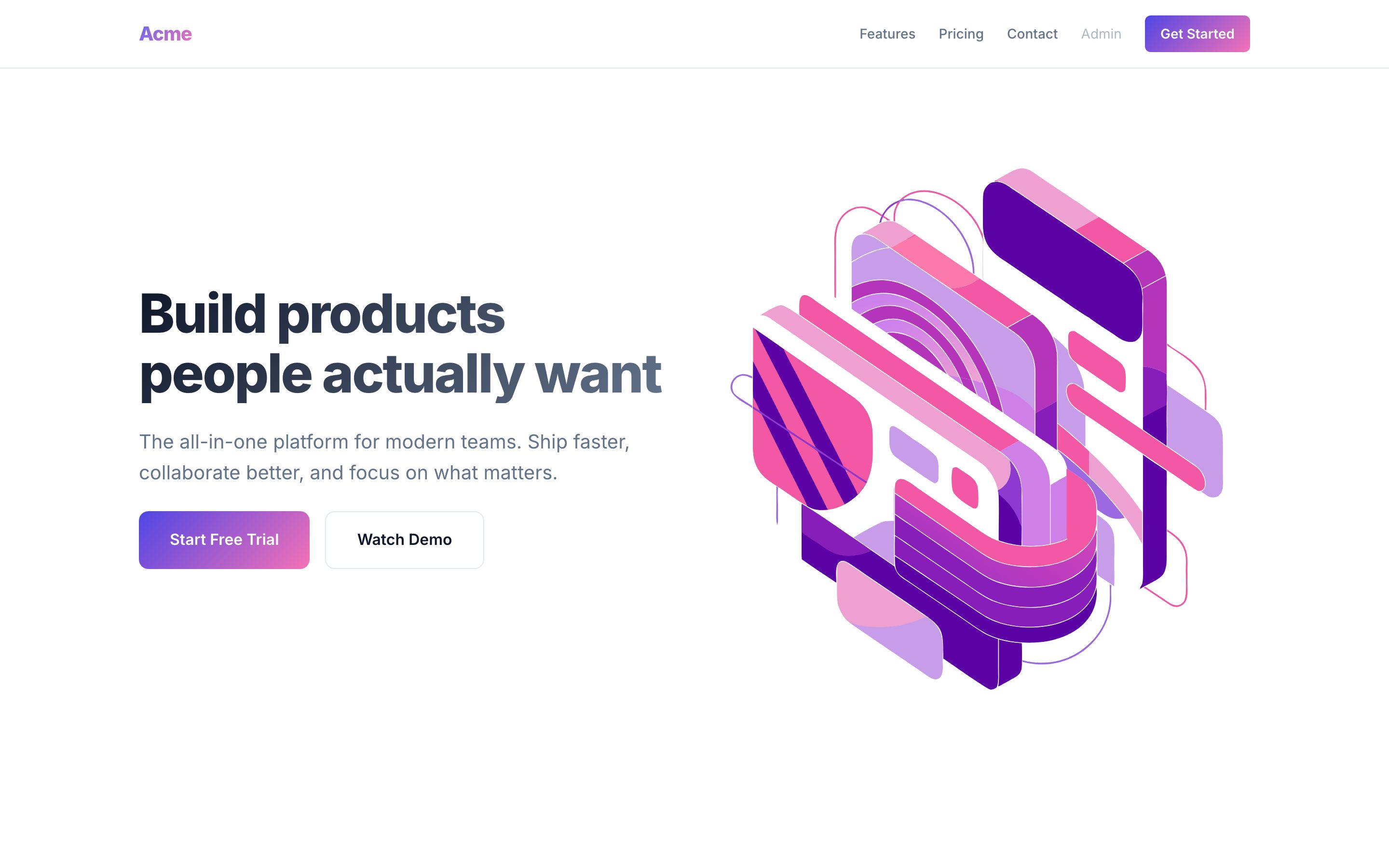
Official EmDash Marketing template homepage

Official EmDash template

Marketing

A conversion-focused website for businesses, services and organisations that need a clear route from introduction to enquiry.

  • Hero and calls to action
  • Features and testimonials
  • Pricing, FAQ and contact form
  • Dark and light mode
Explore Marketing
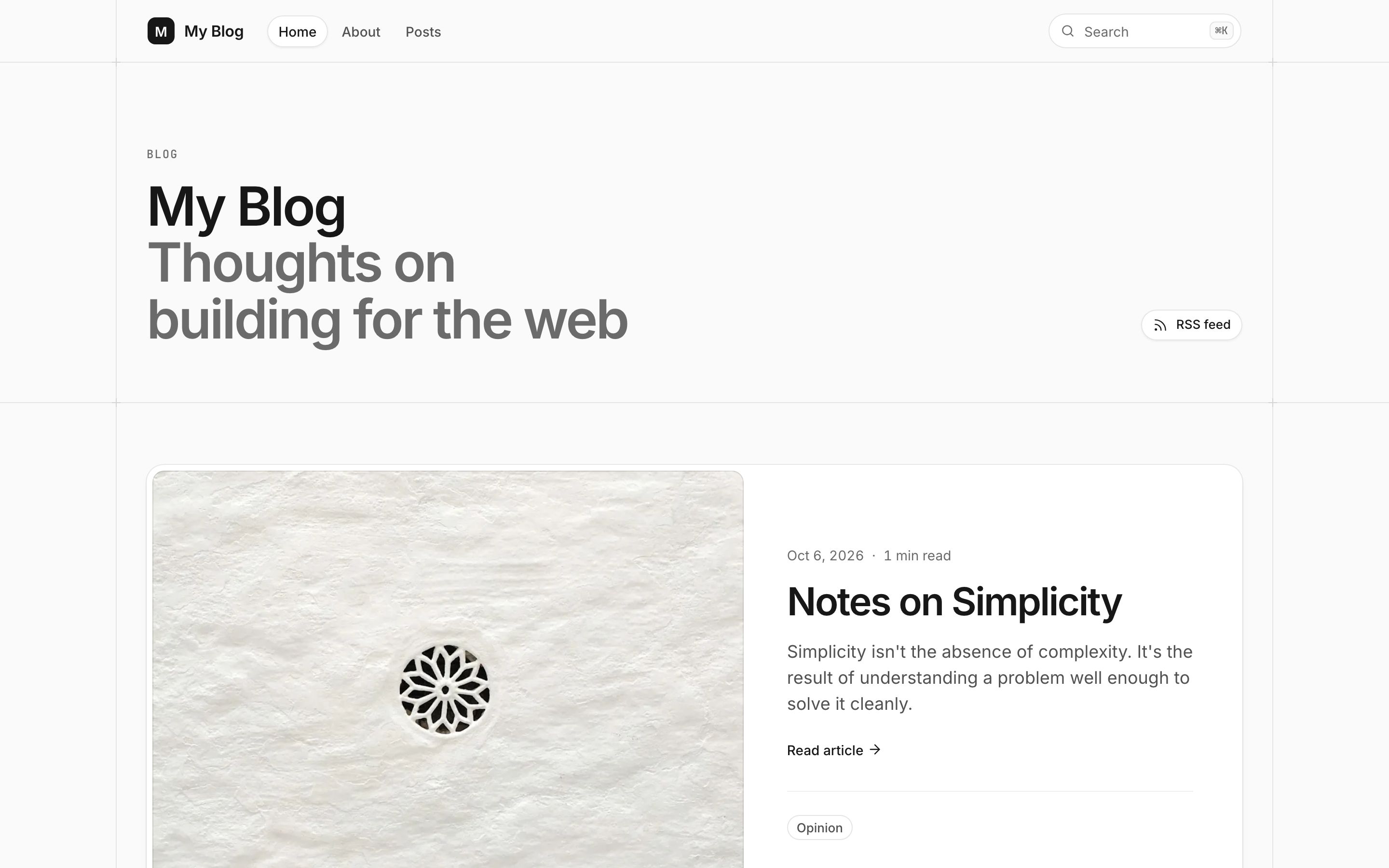
Official EmDash Blog template homepage

Official EmDash template

Blog

A publishing-focused website for articles, journals, newsletters and other content-led projects.

  • Posts, categories and tags
  • Full-text search
  • Featured posts and reading time
  • RSS and dark/light mode
Explore Blog
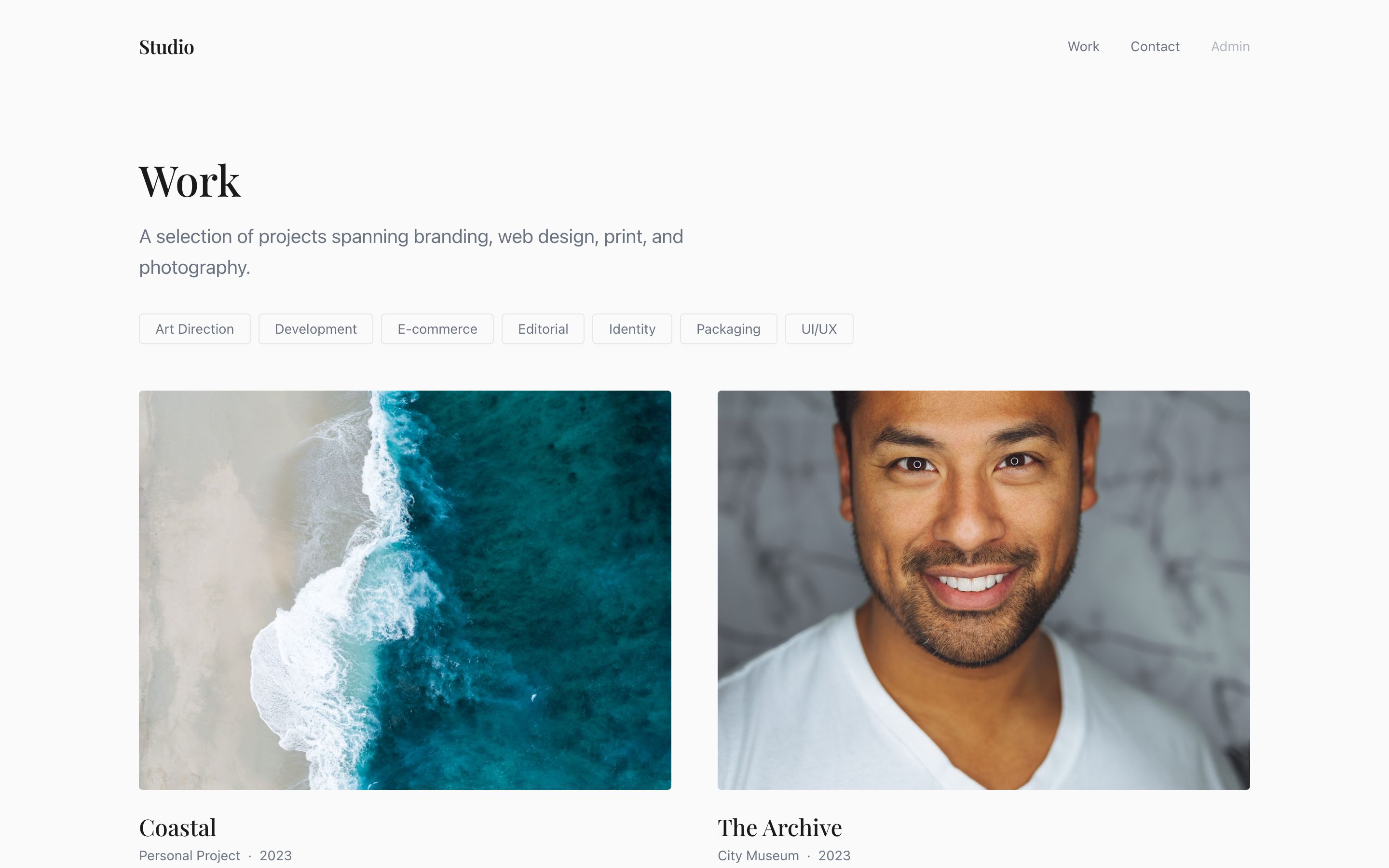
Official EmDash Portfolio template

Official EmDash template

Portfolio

A visual website for designers, photographers, studios, agencies and anyone who needs to present project work clearly.

  • Project grid
  • Tag filtering
  • Individual case studies
  • RSS and dark/light mode
Explore Portfolio

Upstream, not reinvented

EmDash maintains the themes.
DashHarbor manages the service.

DashHarbor uses the official EmDash themes rather than maintaining lookalike copies. We pin and test supported releases, add the managed platform integration they need, and provision a known version for each customer website.

That keeps the launch catalogue simple and maintainable while giving customers genuine EmDash themes. Hosting, HTTPS, domains, protected editor access, recovery, monitoring and managed updates remain part of the DashHarbor service around the site.

Custom DashHarbor themes can be added later when real customer demand shows us which additional themes are actually worth maintaining.

Learn how EmDash themes work

Choose a theme.
Make it yours.

Start with Marketing, Blog or Portfolio, then manage your finished website in EmDash while DashHarbor looks after the platform underneath.

Get started