
Managed EmDash hosting
EmDash hosting features that take care of the
busywork
EmDash hosting features should make running a website easier, not give you a second job. DashHarbor combines managed hosting, deployment and HTTPS with native EmDash editing, so you can focus on your website instead of the machinery underneath it.
Write pages, add media, save drafts and decide what gets published. DashHarbor looks after the managed environment around EmDash, so you can run a website without becoming a part-time infrastructure engineer.
Managed EmDash hosting
EmDash hosting features that do the important work
An editor is only part of running a website. Domains, secure connections and a way back after a bad change matter too.
EmDash Staging
Test substantial changes away from your live website. A separate staging environment gives you somewhere to review a design, content change or release before visitors see it. Your homepage should not double as a laboratory.
Explore feature →EmDash Cloning
Create a separate copy for testing, review or experimentation. Keep the original working while you try the idea elsewhere, without rebuilding every page by hand or confusing a test copy with the live site.
Explore feature →EmDash Custom Domains
Use a domain you control with supported hosting. DashHarbor verifies the hostname, checks DNS readiness, handles HTTPS certificates and routes visitors to your website. Domain registration stays with your registrar.
Explore feature →EmDash DNS
Get the records and connection status needed to point a domain at your website. DashHarbor checks DNS readiness and handles routing and certificates. You keep control of existing email records.
Explore feature →EmDash Backups
Protect content, media, configuration and deployment state with scheduled backup options and clear recovery points. A useful backup gets the whole website back, including the pieces a database file alone cannot restore.
Explore feature →EmDash Recovery
Return to a verified earlier website state when something breaks. Managed recovery brings database content, media, configuration and deployment back together, then checks the result. Restoring the words but losing the images is only half a rescue.
Explore feature →EmDash Updates
Keep supported EmDash software current through reviewed updates. DashHarbor protects the site, checks compatibility and verifies the result. A failed update can roll back to the previous working state, rather than becoming your weekend project.
Explore feature →EmDash Monitoring
Know when your website needs attention. Bring useful information about the public site, editor, HTTPS and hosting environment into one place, with clear signals about what needs doing next.
Explore feature →EmDash Site History
Understand what changed and when. Follow website events, including deployments, updates, domain changes and recovery operations. A useful history explains the sequence, so investigating a problem does not begin with guesswork.
Explore feature →EmDash Migration & Export
Move content into EmDash or take it elsewhere with a clearer view of what transfers. Managed migration and export tools account for content, media and platform differences instead of treating every website as interchangeable.
Explore feature →AI, agents & integrations
AI, agents & integrations.
Useful integrations should shorten the job, not create another system to supervise. These upcoming EmDash hosting features connect content, assistance and extensions to the managed foundation. You keep control of publishing decisions, permissions and the website itself.
EmDash MCP & API
Connect supported applications and AI agents through controlled interfaces. Give tools a way to work with content using appropriate permissions, without handing them the keys to the hosting infrastructure.
Explore feature →DashHarbor AI
Get help with everyday website work, from understanding content to preparing changes. Review what the assistant proposes and decide what gets approved and published. Save time while keeping editorial judgment with you.
Explore feature →EmDash AI Builder
Start with a brief and create an editable EmDash website. Continue shaping pages and content in the native editor. The goal is a working starting point, rather than a static mockup.
Explore feature →EmDash Plugins
Extend EmDash with useful plugins and a clear view of compatibility, permissions and managed support. Adding a capability should make the website more useful, without turning installation into an exercise in crossing your fingers.
Explore feature →
Available today
A real EmDash site,
ready when you are.
Create your free DashHarbor website, choose a supported design and publish through the native EmDash editor. Managed hosting and HTTPS are included. One verified account gets one free website on a DashHarbor address, with no credit card required. Custom domain connections are separate from that free website offer.
The editor, hosting and safeguards work as one managed service. Everyday content revisions stay in EmDash; recovery and software updates are separate managed operations. You control publishing. We handle the infrastructure work most website owners would rather leave alone.
- One free EmDash website on a DashHarbor address
- HTTPS and a supported starting design
- Native editing, drafts and publishing
- DashHarbor-managed infrastructure
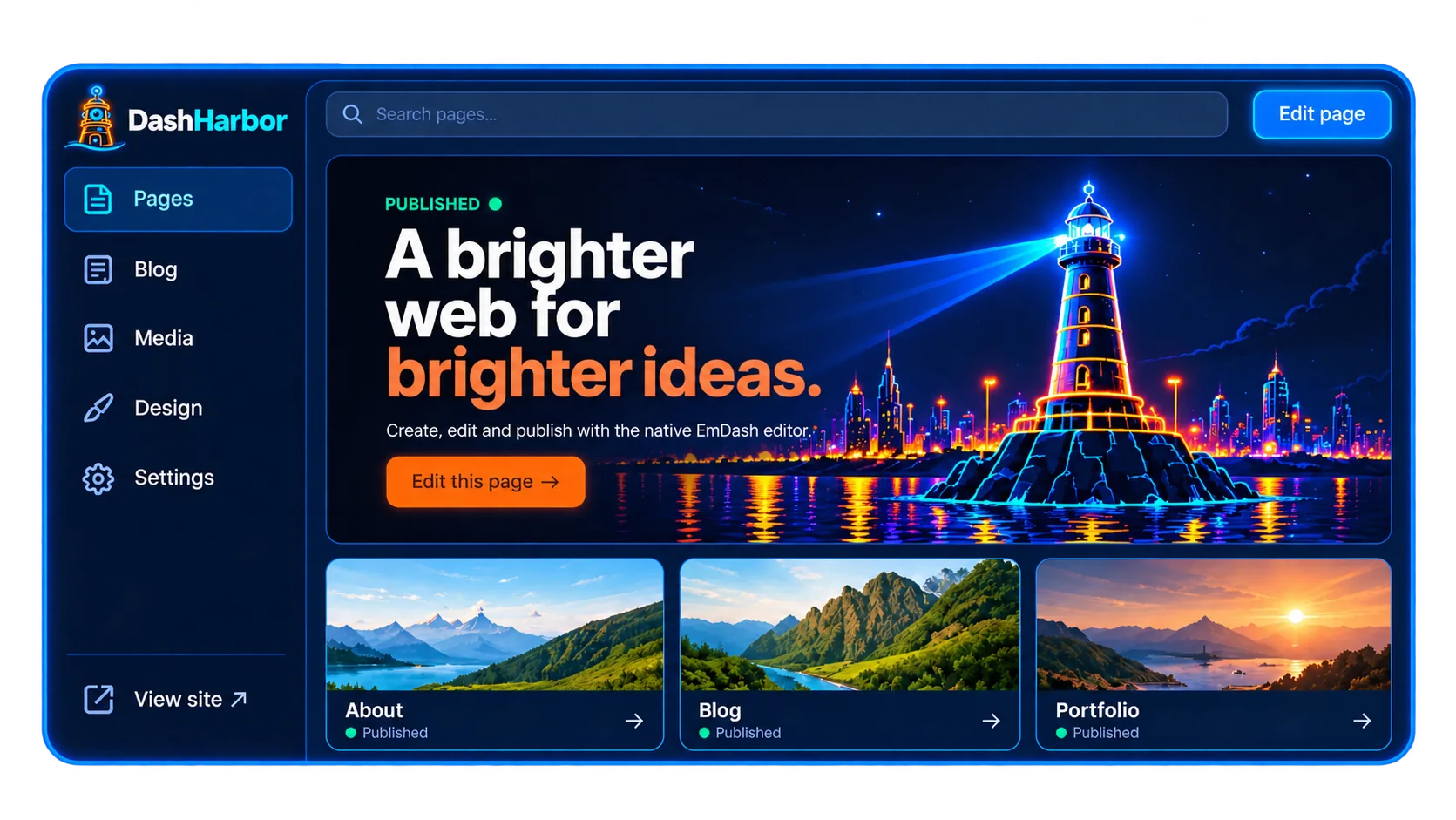
Your site deserves a safe harbor.
Start with a free website, choose a design and publish something useful. Let DashHarbor handle the hosting while you get on with the work that brought you here.
Create your free website ↗