Make an informed choice
EmDash vs Strapi: Website CMS or a Separate API Backend?
Explore when a separate content API is worth operating and when an integrated Astro website offers a more direct publishing workflow.
By DashHarbor · Published · Updated
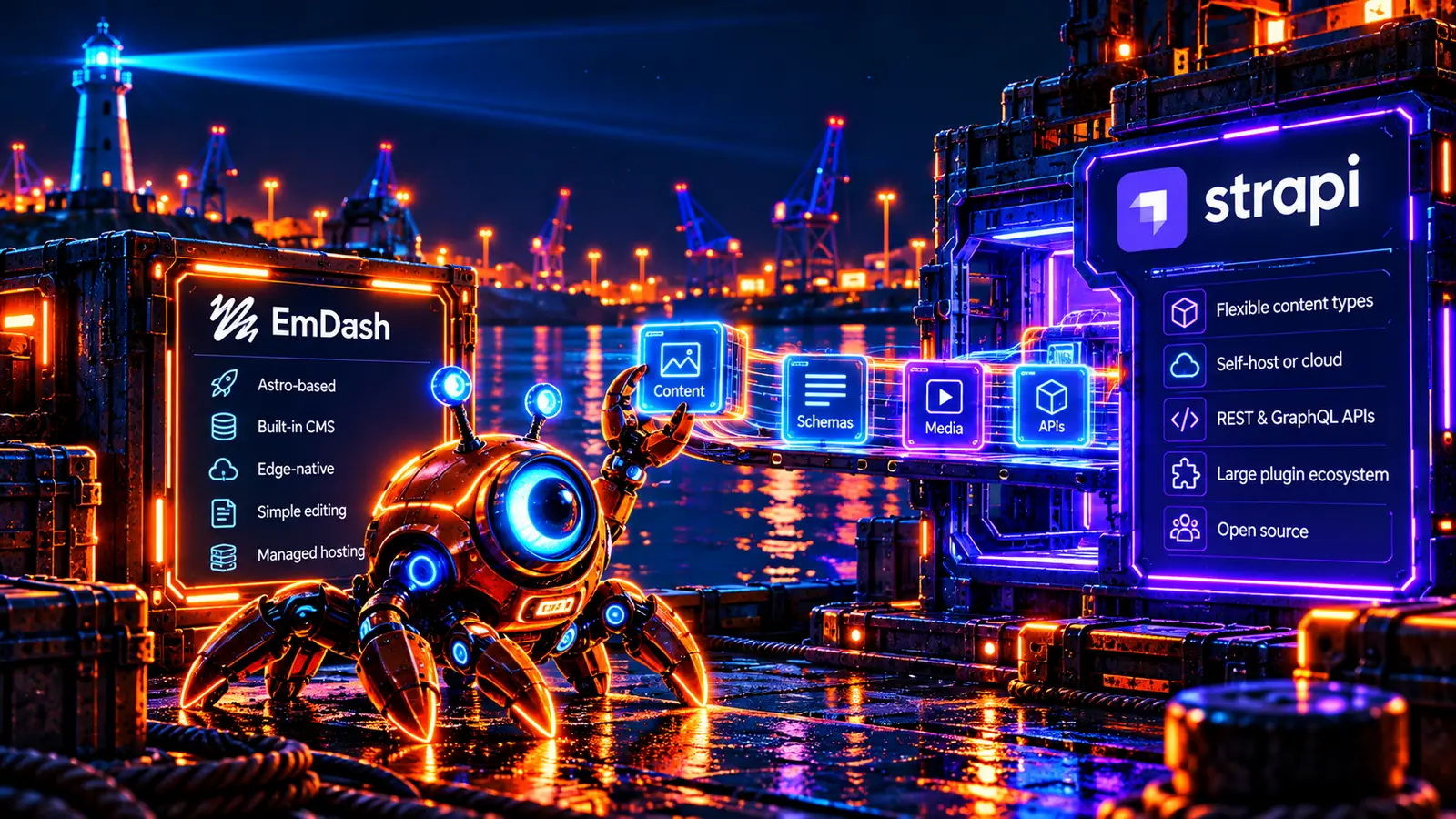
EmDash and Strapi can both appeal to developers who want control over their content system. They are not simply two admin interfaces attached to the same architecture. EmDash is a CMS inside an Astro application. Strapi is a headless CMS that exposes content to separately built applications.
The distinction matters when deciding what your team will operate. An agency delivering one editable website may prefer a different boundary from a product team serving a website, mobile app and customer portal. Self-hosting gives you choices, but it also gives somebody responsibility for deployment, data protection and updates.
This guide compares those responsibilities and the practical publishing experience. Official documentation, including the current Strapi 5 documentation and pricing, was reviewed on 26 October 2026. It is not a performance benchmark, a paid-plan trial or a statement about the EmDash core version installed on any DashHarbor customer site.
The short version
Choose Strapi when a separate content API is a deliberate part of your application architecture. It deserves consideration when your team wants to customize backend behavior, serve several frontends and manage the required Node.js and database environment.
Consider EmDash when you are building an Astro website and want its CMS, templates and content runtime within the same application. That can reduce the integration surface for a focused site, while keeping application operations and compatibility work on your checklist.
Neither choice makes maintenance disappear. If you already have a stable Strapi backend that supports important applications, replacing it to simplify one marketing site may create more work than it removes.
EmDash vs Strapi at a glance
Requirement | EmDash | Strapi |
|---|---|---|
Primary model | CMS and Astro website in one application | Headless CMS with separately implemented consumers |
Frontend | Astro templates and routes | Your chosen frontend framework or application |
API approach | Application queries plus supported CMS APIs | REST APIs; GraphQL through the documented plugin |
Content structure | Collections, fields and rich content | Collection types, single types, components and dynamic zones |
Runtime and data | Supported EmDash deployment and SQL/storage adapters | Node.js application with a supported database and media provider |
Hosting | Self-managed or a provider's supported EmDash service | Self-hosting or Strapi Cloud, with separate frontend hosting as needed |
Permissions | Installed CMS roles and configured authentication | Admin RBAC plus separate application-user/API permissions |
Commercial scope | Application operations and provider services | Community or paid CMS capabilities, plus hosting and related services |
Best-fit question | Is the website the main application? | Do we want a content backend independent of the frontend? |
Architecture: what does a publish operation affect?
Strapi's CMS documentation describes a headless system. Developers define content and expose it through APIs. The public website is another application that decides how to request, cache and present the result.
That separation is useful when the same records serve several clients. A mobile application might consume product information differently from the website, while both share the content backend. It also means the frontend and backend can fail or evolve independently, so their integration needs explicit ownership.
EmDash keeps its content runtime within the Astro project. Its Node.js deployment guide and Cloudflare deployment guide describe supported operating paths. The appropriate choice depends on the application's database, media and runtime configuration.
For a website, ask how a corrected service description reaches visitors. Does it update a dynamically rendered page, invalidate a cache or trigger a build? For an application backend, ask how older API consumers behave after the model changes. These are architecture questions before they are hosting-price questions.
Content modeling and backend customization
Strapi offers collection types and single types, with components and dynamic zones for reusable structures. That can suit a project where the backend contains product, customer-facing or application-specific content beyond ordinary website pages. Custom backend behavior should still be treated as software that needs review and testing.
EmDash collections and fields organize content around the application's requirements. A prepared theme can provide useful models without requiring the customer to design a complete content platform. Custom layouts and integrations may still require development.
Begin with a sample record rather than an abstract feature comparison. Model a product with a specification, image gallery, related service and translated description if required. Decide which values are reusable relationships and which belong in the body. Then test whether an editor can make a safe change without understanding the implementation.
A flexible backend is valuable when you need that flexibility. It is less valuable if it turns a straightforward service page into a form with dozens of unexplained fields.
APIs, public access and frontend integration
Strapi documents REST APIs and a GraphQL plugin. Your frontend must handle the response format, relationships, pagination, assets and appropriate caching. Adding GraphQL is an implementation decision, not a reason to assume every Strapi installation exposes the same endpoint.
Strapi also separates administrator RBAC from the Users & Permissions plugin. The former concerns people managing the CMS; the latter concerns application users and content API access. Confusing those systems can produce an insecure or non-working application.
For either CMS, write down what unauthenticated visitors should be able to read and which requests need privileged credentials. Keep write tokens out of browser-delivered code. A public article endpoint should not require exposing the credential used to publish that article.
EmDash's integrated page queries can be a more direct path for a single Astro website. If the real requirement is a general backend for several clients, Strapi's separate API model may be the better match.
Editing, draft changes and review workflows
The quality of the editing experience depends on the model and configuration, not just the CMS name. A developer should demonstrate creating a page, adding media, saving a draft, previewing it and publishing it in the intended deployment.
Strapi's current documentation distinguishes ordinary content management from features such as content history, releases, review workflows and advanced preview. Check the exact CMS plan rather than assuming every documented capability is included in the Community edition.
EmDash has its own content publishing workflow, with behavior determined by collection capabilities and the installed runtime. A website theme also determines what a supported preview can show.
Try an awkward case during evaluation: change a published record while preserving an unpublished revision. Ask whether a colleague can review it without replacing live content.
Hosting, databases and media
Strapi's deployment documentation and database configuration should guide the environment you choose. Supported database choices and versions matter. A convenient local setup is not automatically the production arrangement you should operate.
Budget for the Node.js application, database, media storage, delivery, email and monitoring. If files live only on an ephemeral application filesystem, a successful deployment is not proof that uploaded media will survive the next one. Use a documented storage provider and test recovery.
Strapi Cloud can operate a supported Strapi environment, but the public frontend remains a separate concern. Review what its plan includes instead of assuming that backend hosting supplies every application service.
For EmDash, likewise identify the application, SQL database and media store in the actual deployment. Our self-hosted versus managed EmDash guide explains the ownership decision. The important difference is who performs the work, not whether the CMS has an open-source license.
Pricing: the CMS edition and hosting are different purchases
Strapi publishes separate CMS pricing and Cloud hosting pricing. A feature entitlement and a place to run the application solve different problems. Self-hosting does not automatically unlock every commercial CMS capability; paying for backend hosting does not necessarily include the paid editorial feature you need.
Start by defining the required workflow. Then price the relevant CMS features, editors, infrastructure, usage, support and frontend operation. Check backups, environments and recovery commitments against the chosen hosting plan.
For EmDash, include hosting and storage usage, application maintenance, integration development and the support arrangement. A free software license does not pay an engineer to investigate an incident.
Use the same requirements on both sides. A small website with one editor and an application with formal approvals are different workloads. Comparing their bills as if they were equivalent will produce a misleading recommendation.
Security and keeping the backend operable
Self-hosted Strapi gives the operator control over the application and database, along with responsibility for protecting them. Review admin access, API tokens, application-user permissions, installed plugins, dependency updates and secrets. Separate environments and tested backups are useful only if someone can operate them during a problem.
With EmDash, the same operational discipline applies to its supported runtime and integrations. Different deployment architectures change the attack surface; they do not justify saying one product cannot be compromised.
Treat extensions according to the access they receive. A backend plugin can become part of the application's trusted code. Before relying on it, check maintenance, compatibility and what happens if it stops receiving updates. Also consider the frontend: an otherwise secure CMS cannot protect a write credential that an integration accidentally exposes.
AI tools and developer experience
Strapi's official documentation now covers an MCP server, alongside evolving AI capabilities. Verify compatibility, permissions and the plan requirements for the specific feature. It would be wrong to describe Strapi as having no AI-oriented developer tooling.
EmDash also documents AI tools for authorized CMS operations. Upstream availability is not a promise that DashHarbor enables every connection or provides a general autonomous editing service.
For a developer, the useful comparison is how safely an assistant can inspect a model, propose a change and support a reviewable implementation. Generated code and content still need testing. Prefer a workflow with scoped access and recoverable changes over one that makes broad administrative access convenient.
Migration: content export is not an application conversion
Strapi's data export documentation explains moving its stored data. Export tools are valuable, but a Strapi export is not an EmDash project, and an EmDash export is not a ready-made Strapi application.
Plan the mapping of content types, relationships, rich text, assets, locales and identifiers. Inventory every consumer of the existing API. A backend migration can affect an application that is not visible from the marketing website's navigation.
Prototype a difficult record first. Check whether references resolve, media is available and the intended draft state remains private. On public pages, verify redirects, canonical URLs, metadata and sitemap entries. Keep the previous implementation available until acceptance and rollback arrangements are clear.
If your Strapi backend includes custom controllers or business logic, separate that code migration from the editorial content migration. Recreating those behaviors may be the largest part of the project.
Choose EmDash if a focused Astro website is the goal
EmDash is worth considering when the website is the main deliverable and its CMS can sensibly live in the same application. A prepared theme and a clearly defined hosting service may suit a team that wants to edit pages without operating a separate API backend.
Check the required features and provider boundaries first. Simpler architecture is useful only when it still supports the website your organization needs.
Choose Strapi if you need an independent content backend
Strapi may be the better fit when several applications consume content, backend customization is important or the team has already invested in its API model. Keeping frontend and CMS deployment separate can be a useful form of independence rather than unnecessary complexity.
A working Strapi implementation should not be replaced merely because an integrated website stack looks smaller. Compare the cost of continuing to maintain it with the actual work and risk of moving.
Frequently asked questions
Can Strapi power an Astro frontend?
Yes. An Astro application can consume a separately operated content API. Choosing Astro does not require the CMS to run inside the Astro application.
Can I deploy Strapi like an EmDash Worker?
Do not assume so. Follow Strapi's supported Node.js deployment and database requirements. Different runtimes and storage assumptions are not interchangeable simply because both applications use JavaScript or TypeScript.
Is Strapi Cloud the same as a paid CMS edition?
No. Hosting plans and commercial CMS capabilities are separate dimensions. Check both official pricing pages for the environment and editorial features you require.
Does self-hosting make either CMS free to operate?
No. Infrastructure, backups, monitoring, updates and support still consume money or time. A license cost is only one part of the total.
Next comparisons and a practical next step
For hosted content platforms, read EmDash vs Contentful and EmDash vs Sanity. WordPress, Ghost and Webflow provide different website, publishing and visual-design models. The comparison library keeps these decisions together.
If the integrated Astro approach fits, review EmDash hosting, managed hosting responsibilities and DashHarbor's current plans. Evaluate the editing workflow and operational scope before committing to a migration.
Sources and review scope
Official sources reviewed 26 October 2026: Strapi 5 introduction, deployment, databases, GraphQL, RBAC, Users & Permissions, MCP, data export and both CMS and Cloud pricing; EmDash deployment, publishing and AI documentation. Links sit beside the relevant claims. Recommendations and evaluation exercises are editorial analysis. We did not perform a paid Strapi trial or publish a cross-platform performance benchmark.
Keep exploring
Find the right fit for your website.

CMS comparison
EmDash vs Contentful: An Astro Website or a Shared Content Platform?
A practical comparison of an integrated Astro CMS and a shared content platform, covering editorial work, operating costs and migration.
Read the comparison
CMS comparison
EmDash vs Ghost: An Editable Website or a Publishing Business?
A balanced comparison of structured Astro websites and publication-focused workflows, including newsletters, memberships and operating costs.
Read the comparison
CMS comparison
EmDash vs Sanity: Content Modelling, Editing and Astro Websites
Compare content models, Portable Text, editorial customization and operating responsibilities before choosing an Astro CMS or hosted backend.
Read the comparisonYOUR NEXT CHAPTER
Your EmDash website, looked after.
Create a free DashHarbor website. Choose a design, start editing and see how EmDash fits your work. No credit card required.